Hover and hold
Hold a steady hover at head height in an open area, using throttle and small pitch and roll corrections.
Flying FPV in acro mode takes coordination that only comes from repetition. A short, structured simulator routine helps you build it efficiently.
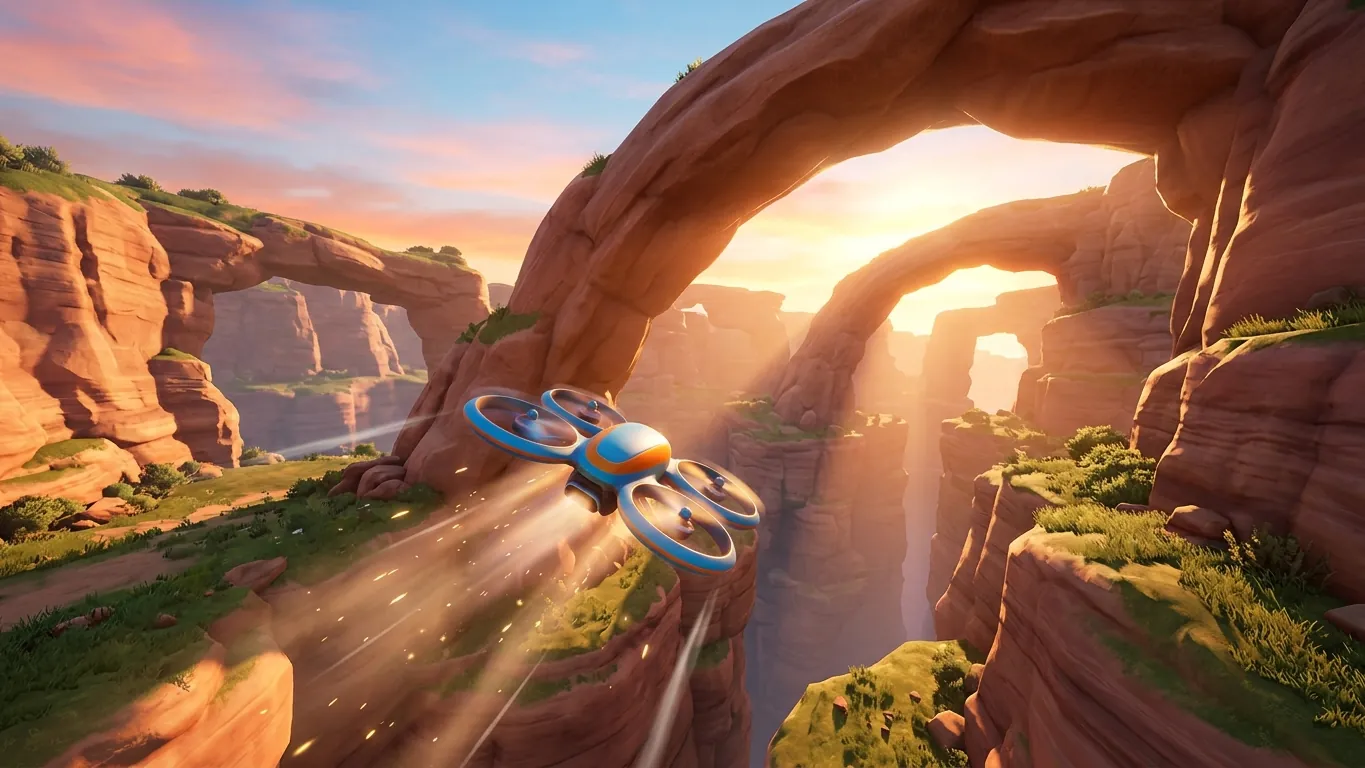
In first-person view you see the world from the drone's camera, so there is no outside perspective to help you judge its orientation. In acro mode the drone also does not level itself. If you tilt forward and center the stick, it keeps that tilt and accelerates. You manage throttle constantly, because tilting forward means less of the thrust holds you up.
This combination is what makes FPV fluid and expressive, and also why most pilots find it confusing at first. Simulators let you work through that confusion without broken parts.

Rates control how fast the drone rotates for a given stick movement. Beginners often benefit from moderate rates with some softening near center, so small movements stay gentle. If the drone feels twitchy, reduce rates; if flips feel sluggish, increase them slightly. Try to use similar settings in the simulator and on your real drone so your practice transfers.
Camera angle is the tilt of the camera relative to the drone. A low angle suits slow, careful flying; a higher angle suits faster forward flight because the drone tilts more to move quickly. Start low and raise it gradually as your speed increases.
Pick two or three drills per session rather than doing everything at once.
Hold a steady hover at head height in an open area, using throttle and small pitch and roll corrections.
Fly figure eights around two points, coordinating roll, yaw and throttle for smooth, level turns.
Circle an object while keeping it centered in the camera, a key skill for both freestyle and filming.
Fly slowly through wide gaps, then narrower ones, focusing on line choice rather than speed.
End every pack with a gentle landing on a chosen spot, which builds throttle control.
Many simulators show lap times, but early on, consistency matters more than speed. A useful approach is to fly a short course five times and note how many runs you completed without crashing. When most runs are clean, increase difficulty slightly.
Keep sessions short, around fifteen to thirty minutes, and stop when you notice frustration. Tired hands make jerky inputs and reinforce bad habits. Practicing a few times a week usually works better than one long marathon.
There is no exact number of simulator hours that makes you ready. A practical sign is being able to take off, fly a relaxed loop around an open area and land smoothly in acro mode several times in a row without thinking about the sticks.
Your first real flights will still feel different. Wind, video signal quality and the knowledge that crashes cost repairs all change how you fly. Start in a wide open space, fly conservatively and follow the regulations that apply where you live. Keep the simulator in your routine: many experienced FPV pilots use it to warm up and to rehearse new tricks.
 First steps with RC model airplanes
A beginner overview of radio-controlled model airplanes: trainer aircraft, battery care, simulator practice, flying sites and simple repairs.
Read more
 Weather and navigation in flight sims
How wind, clouds and visibility affect flying in simulators, plus basic navigation methods like pilotage, dead reckoning and radio aids.
Read more
 What simulators teach and what they don't
An opinion piece on what flight, drone and RC simulators teach well, where they fall short and how hobbyists can keep a balanced view.
Read more